
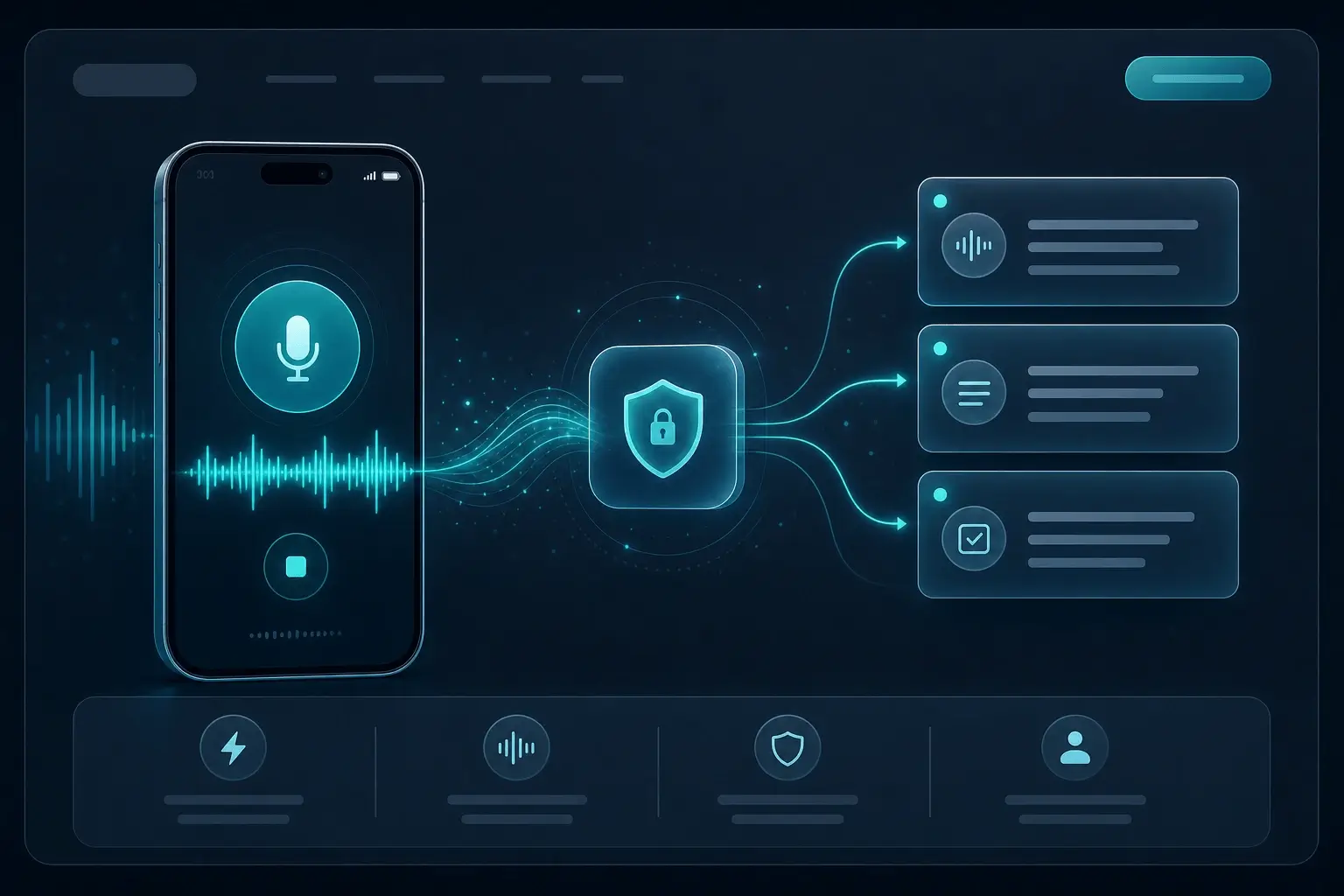
Quick voice memos
Capture ideas, reminders, and drafts by speaking — get text in seconds without installing desktop software.
Kostenlose Sprache-zu-Text-Transkription mit Ihrem Mikrofon — privat im Browser. Kein Konto erforderlich.
No subscription for this tool. Transcribe audio, voice, or URLs with OpenAI Whisper models running client-side.
Your audio is not uploaded to our servers for transcription. Processing stays on your device in a Web Worker.
Start immediately — no account, no API key. Ideal for one-off files, quick memos, or trying speech-to-text privately.
Three steps from audio to text — all local after the model loads.
Upload a file, record with your mic, or paste an audio URL — depending on which free tool you use.
Pick source language and a Whisper model size. Quantized models load faster on most devices.
Read the transcript on the page, copy to clipboard, or export TXT / JSON — your text, your workflow.
Capture ideas, reminders, and drafts by speaking — get text in seconds without installing desktop software.
Dictate outlines, user stories, or emails when typing slows you down. Copy or export the transcript when you are done.
A browser-based voice to text option when you need hands-free input or prefer speech over typing — free and private on your machine.
Built for people who cannot send sensitive audio to the cloud.
Recording happens in your browser. We need mic permission only to capture audio for local transcription — not to stream it to our servers for speech-to-text.
No. The recording is processed on your device for transcription. We do not upload your audio for this free tool’s speech-to-text step.
Yes. This page is free to use with no account. Allow the microphone, record, and transcribe locally.
Choose a source language before transcribing. Whisper supports many languages; pick the one that matches your recording for better accuracy.
Yes. These pages are free to use with no paywall for local browser transcription. Optional paid plans apply to the Chrome extension and cloud features, not this on-page Whisper tool.
For these free tools, speech-to-text runs locally in your browser. We do not upload your audio to our servers for transcription. URL mode fetches the file from the link you paste; that request goes from your browser to the host.
Kostenloses, privates Audio-zu-Text im Browser: Datei hochladen und lokal mit Whisper transkribieren. Kein Server-Upload.
Kostenlos URL zu Text — Audio-Link einfügen und privat im Browser transkribieren. Kein Upload für die Transkription.
Wandeln Sie Live-Sprache per Mikrofon in Text um — kostenlos, privat und lokal im Browser. Kein Konto, kein Upload.
MP3 hochladen und im Browser in Text umwandeln — kostenlos, privat, lokal mit Whisper. Kein Server-Upload.
Video-MP4 hochladen und im Browser transkribieren — kostenlos, privat, lokal mit Whisper.
M4A und Apple-Sprachmemos im Browser in Text umwandeln — kostenlos, privat, lokal.
Unkomprimiertes WAV im Browser transkribieren — kostenlos, privat, lokales Whisper.
Exportierte Voicemails hochladen und im Browser transkribieren — kostenlos, privat, kein Cloud-Upload.
Video hochladen und SRT-Untertiteldatei herunterladen — kostenlos, privat, mit Zeitstempeln im Browser.