

iPhone 음성 메모
음성 메모를 M4A로 내보내고 녹음을 클라우드로 보내지 않은 채 데스크톱에서 전사하세요.
M4A와 아이폰 음성 메모를 브라우저에서 텍스트로 — 무료·비공개.
No subscription for this tool. Transcribe audio, voice, or URLs with OpenAI Whisper models running client-side.
Your audio is not uploaded to our servers for transcription. Processing stays on your device in a Web Worker.
Start immediately — no account, no API key. Ideal for one-off files, quick memos, or trying speech-to-text privately.
Three steps from audio to text — all local after the model loads.
Upload a file, record with your mic, or paste an audio URL — depending on which free tool you use.
Pick source language and a Whisper model size. Quantized models load faster on most devices.
Read the transcript on the page, copy to clipboard, or export TXT / JSON — your text, your workflow.
음성 메모를 M4A로 내보내고 녹음을 클라우드로 보내지 않은 채 데스크톱에서 전사하세요.
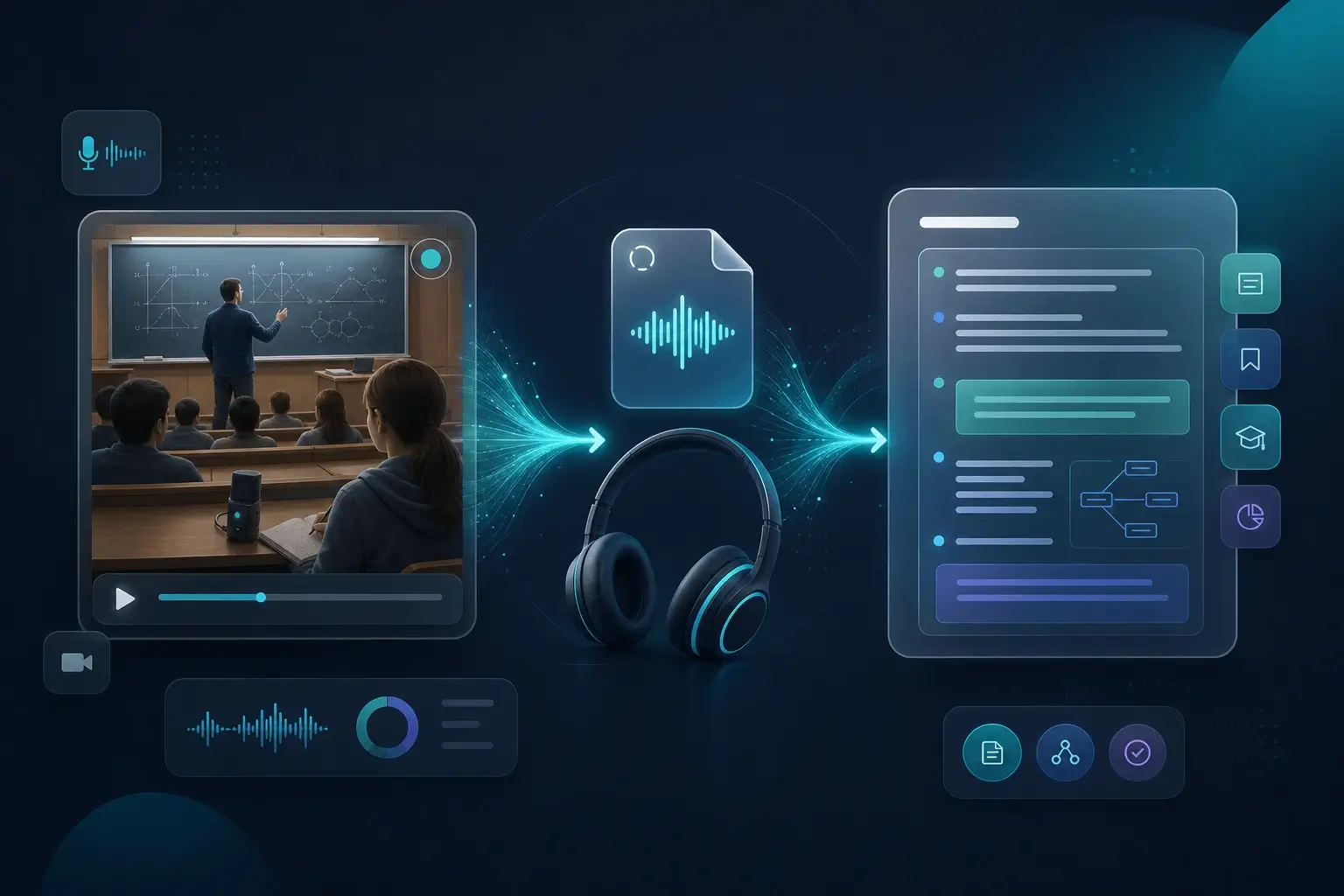
iOS에서는 M4A 녹음이 흔합니다. 이 파일을 로컬에서 검색 가능한 텍스트로 바꿀 수 있습니다.
휴대폰에 말하고 M4A를 옮기면 몇 분 안에 텍스트 초안을 얻을 수 있습니다.
Built for people who cannot send sensitive audio to the cloud.
iPhone, 음성 메모, 여러 녹음기에서 만든 표준 M4A와 AAC가 지원 브라우저에서 작동합니다.
매우 긴 메모는 더 많은 메모리가 필요할 수 있습니다. 긴 녹음은 나누거나 작은 양자화 모델을 선택하세요.
아니요. M4A를 업로드하고 로컬에서 전사할 수 있습니다.
개인 메모와 인터뷰를 기기에 보관할 수 있습니다. 클라우드 도구는 보통 전체 파일 업로드가 필요합니다.
Yes. These pages are free to use with no paywall for local browser transcription. Optional paid plans apply to the Chrome extension and cloud features, not this on-page Whisper tool.
For these free tools, speech-to-text runs locally in your browser. We do not upload your audio to our servers for transcription. URL mode fetches the file from the link you paste; that request goes from your browser to the host.
브라우저에서 무료로 비공개 오디오-텍스트 변환: 파일을 업로드하고 Whisper로 로컬 전사하세요. 서버 업로드 없음.
마이크로 무료 음성-텍스트 변환: 브라우저 안에서 비공개 전사. 계정 불필요.
무료 URL 텍스트 변환: 오디오 링크를 붙여넣고 브라우저에서 비공개로 전사하세요. 전사용 업로드 없음.
마이크로 말한 내용을 텍스트로 — 브라우저에서 무료·비공개 로컬 변환. 계정 불필요.
MP3를 업로드해 브라우저에서 텍스트로 — Whisper 로컬, 무료·비공개.
MP4 영상을 업로드해 브라우저에서 전사 — 무료·비공개.
무손실 WAV를 브라우저에서 전사 — 무료·비공개.
보낸 음성사서함을 업로드해 브라우저에서 전사 — 무료·비공개.
영상을 업로드하고 SRT 자막 파일 다운로드 — 브라우저에서 타임스탬프.