
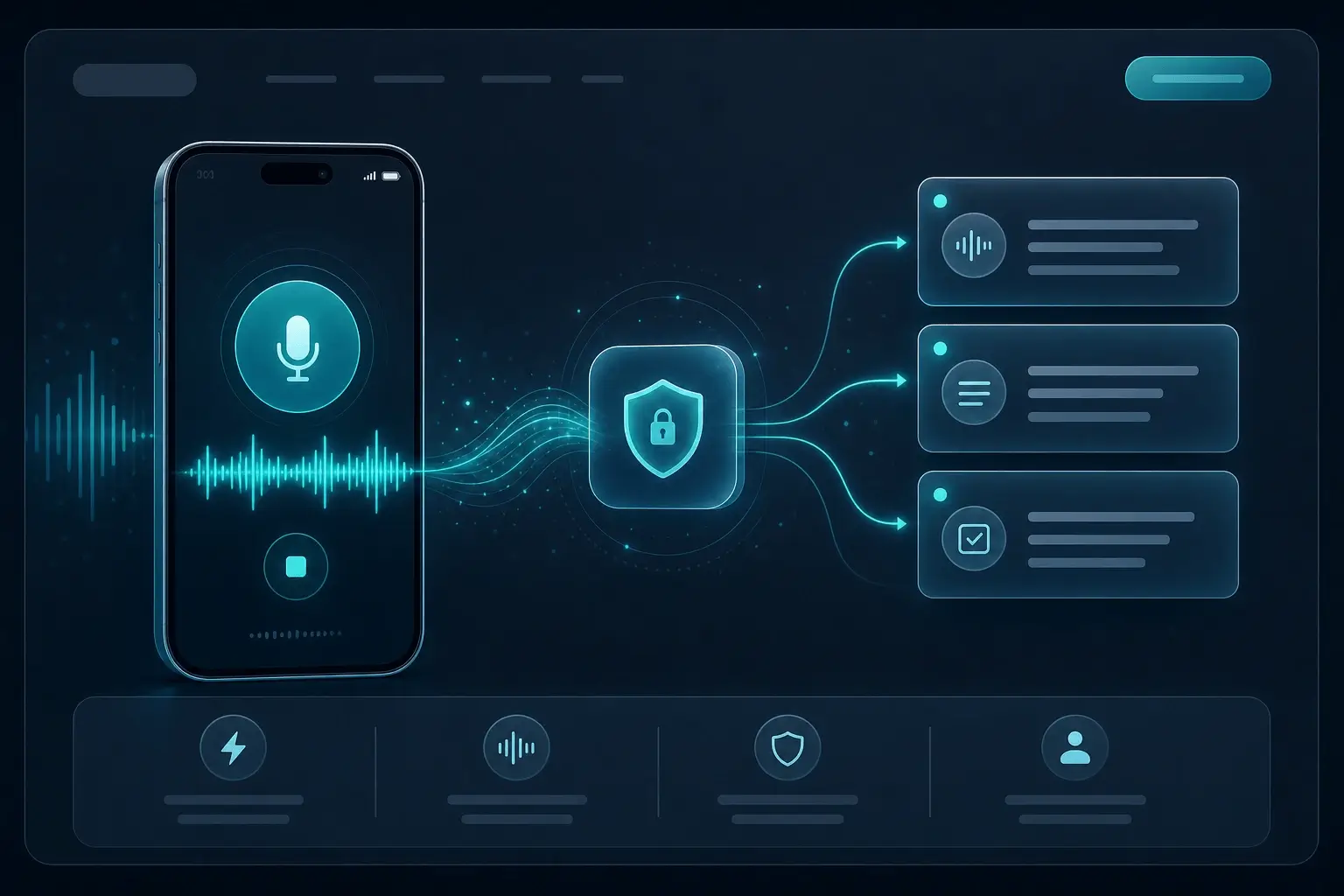
会議とスタンドアップ
会話中の決定事項や共有内容をそのままテキスト化し、あとで検索・共有できるメモにできます。
マイクで話した内容をテキストに。ブラウザ内で無料・プライベートにローカル処理。アカウント不要。
No subscription for this tool. Transcribe audio, voice, or URLs with OpenAI Whisper models running client-side.
Your audio is not uploaded to our servers for transcription. Processing stays on your device in a Web Worker.
Start immediately — no account, no API key. Ideal for one-off files, quick memos, or trying speech-to-text privately.
Three steps from audio to text — all local after the model loads.
Upload a file, record with your mic, or paste an audio URL — depending on which free tool you use.
Pick source language and a Whisper model size. Quantized models load faster on most devices.
Read the transcript on the page, copy to clipboard, or export TXT / JSON — your text, your workflow.
会話中の決定事項や共有内容をそのままテキスト化し、あとで検索・共有できるメモにできます。
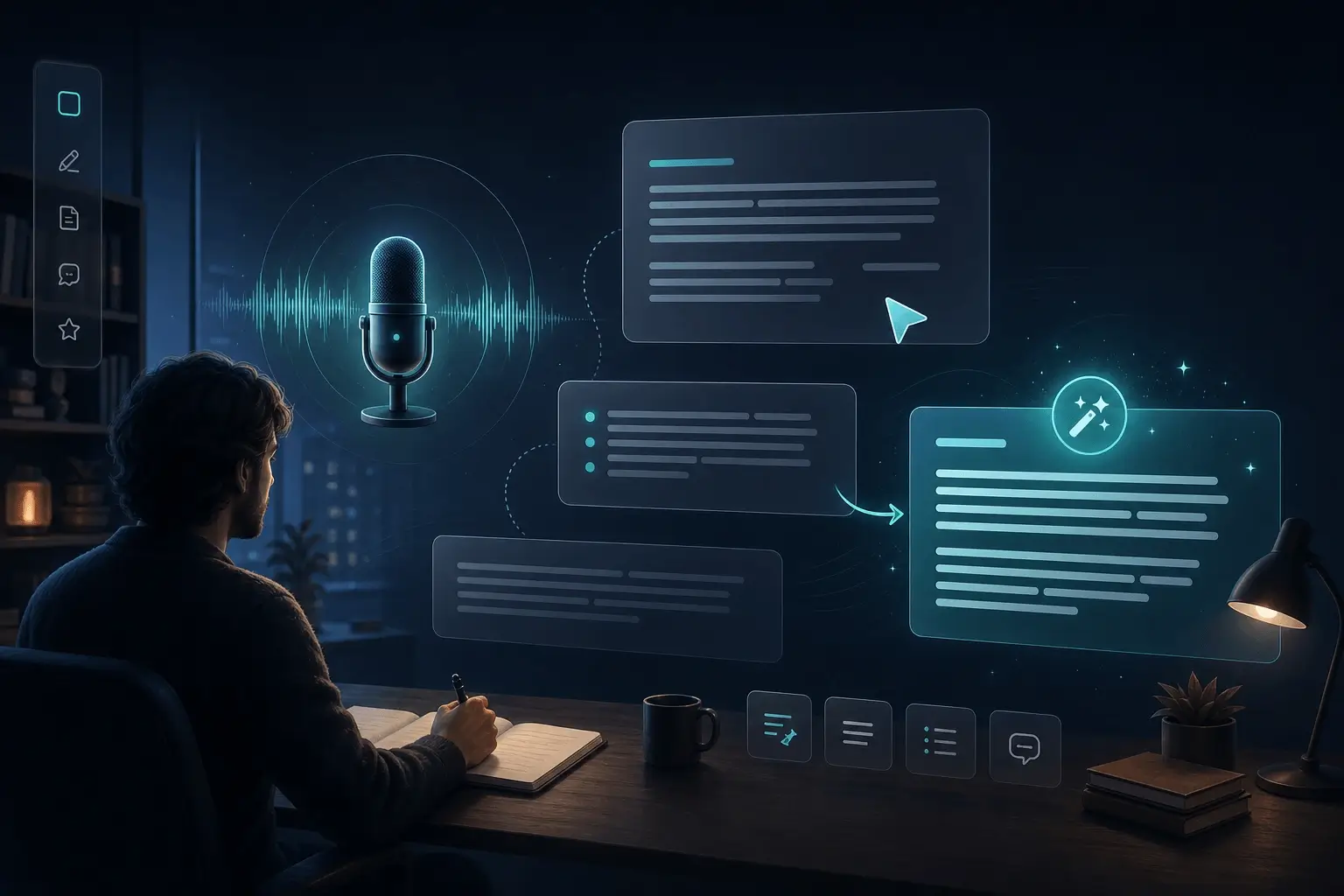
会話直後に引用や観察内容を口述し、記憶だけを頼りに打ち直す手間を減らします。
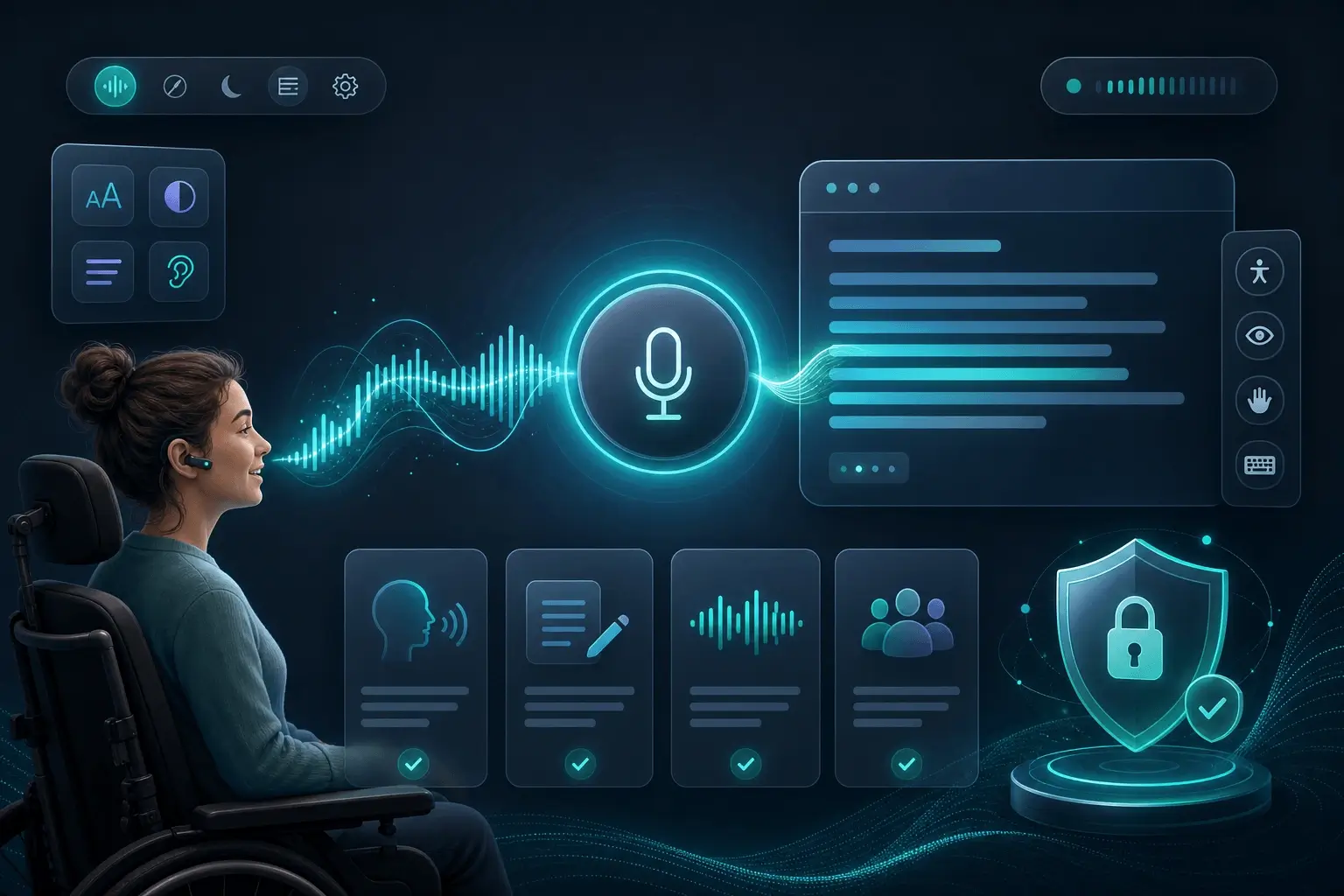
入力が遅い、またはつらい時に、ブラウザ内の音声文字起こしが無料でプライベートな代替手段になります。
Built for people who cannot send sensitive audio to the cloud.
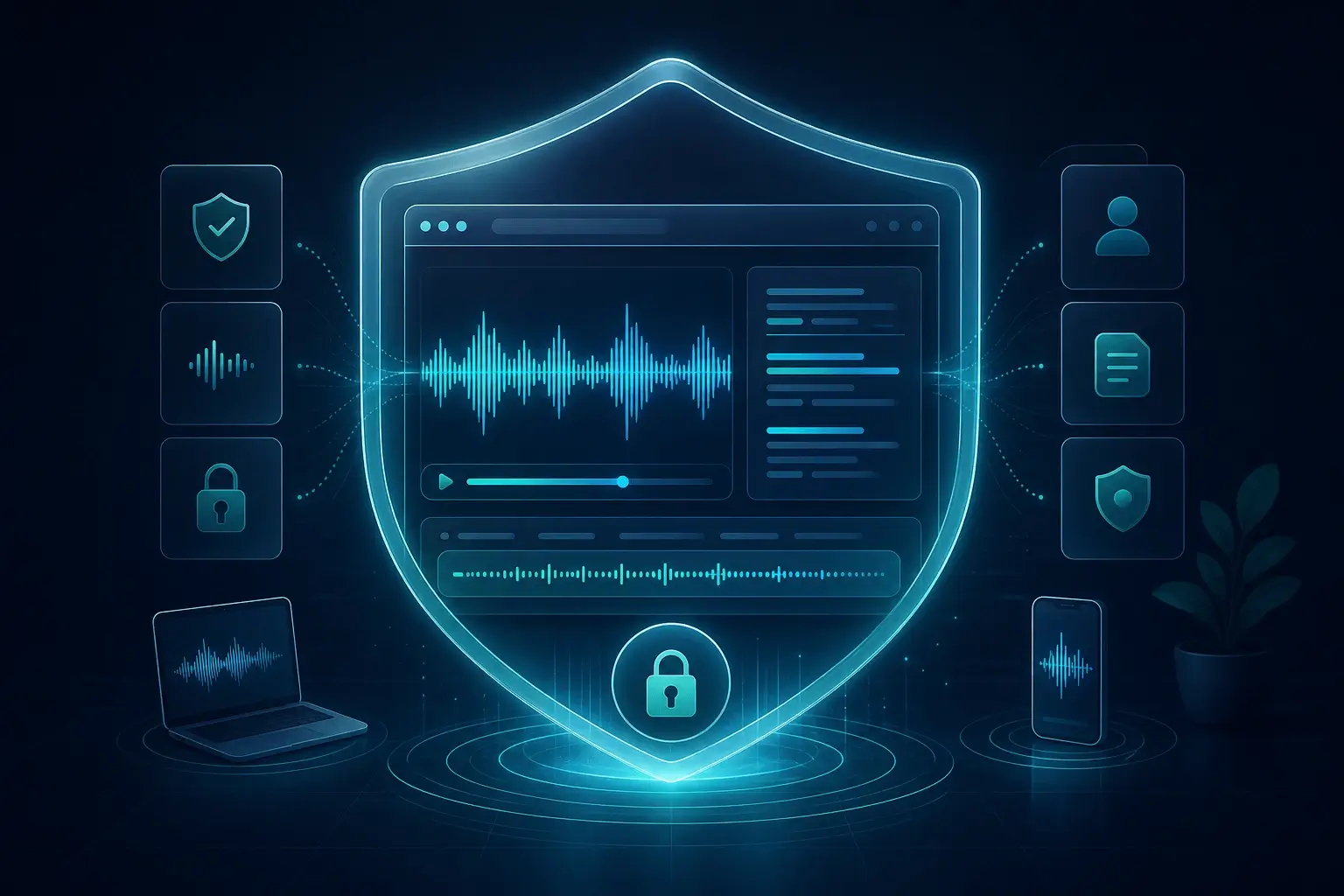
音声はブラウザ内でのみ取得され、ローカルの Whisper 文字起こしに使われます。音声を当社サーバーへストリーミングしません。
いいえ。この無料ツールでは録音と文字起こしはお使いの端末上に残ります。
はい。マイクを許可して話すだけで、ローカルに文字起こしできます。
文字起こし前に元の言語を選択してください。Whisper は多くの言語に対応しています。
Yes. These pages are free to use with no paywall for local browser transcription. Optional paid plans apply to the Chrome extension and cloud features, not this on-page Whisper tool.
For these free tools, speech-to-text runs locally in your browser. We do not upload your audio to our servers for transcription. URL mode fetches the file from the link you paste; that request goes from your browser to the host.
ブラウザで無料かつプライベートに音声をテキスト化。ファイルをアップロードし、Whisper でローカル文字起こし。サーバーへのアップロードは不要です。
マイクで無料の音声入力テキスト化 — ブラウザ内でプライベートに文字起こし。アカウント不要。
無料の URL テキスト化 — 音声リンクを貼り付け、ブラウザでプライベートに文字起こし。文字起こし用のアップロードは不要。
MP3をアップロードしてブラウザでテキスト化 — Whisperでローカル、無料・プライベート。
MP4動画をアップロードしてブラウザで文稿化 — 無料・プライベート。
M4Aとボイスメモをブラウザでテキスト化 — 無料・プライベート。
ロスレスWAVをブラウザで文字起こし — 無料・プライベート。
エクスポートしたボイスメールをアップロードしてブラウザで転写 — 無料・プライベート。
動画をアップロードしてSRT字幕をダウンロード — ブラウザでタイムスタンプ付き。