
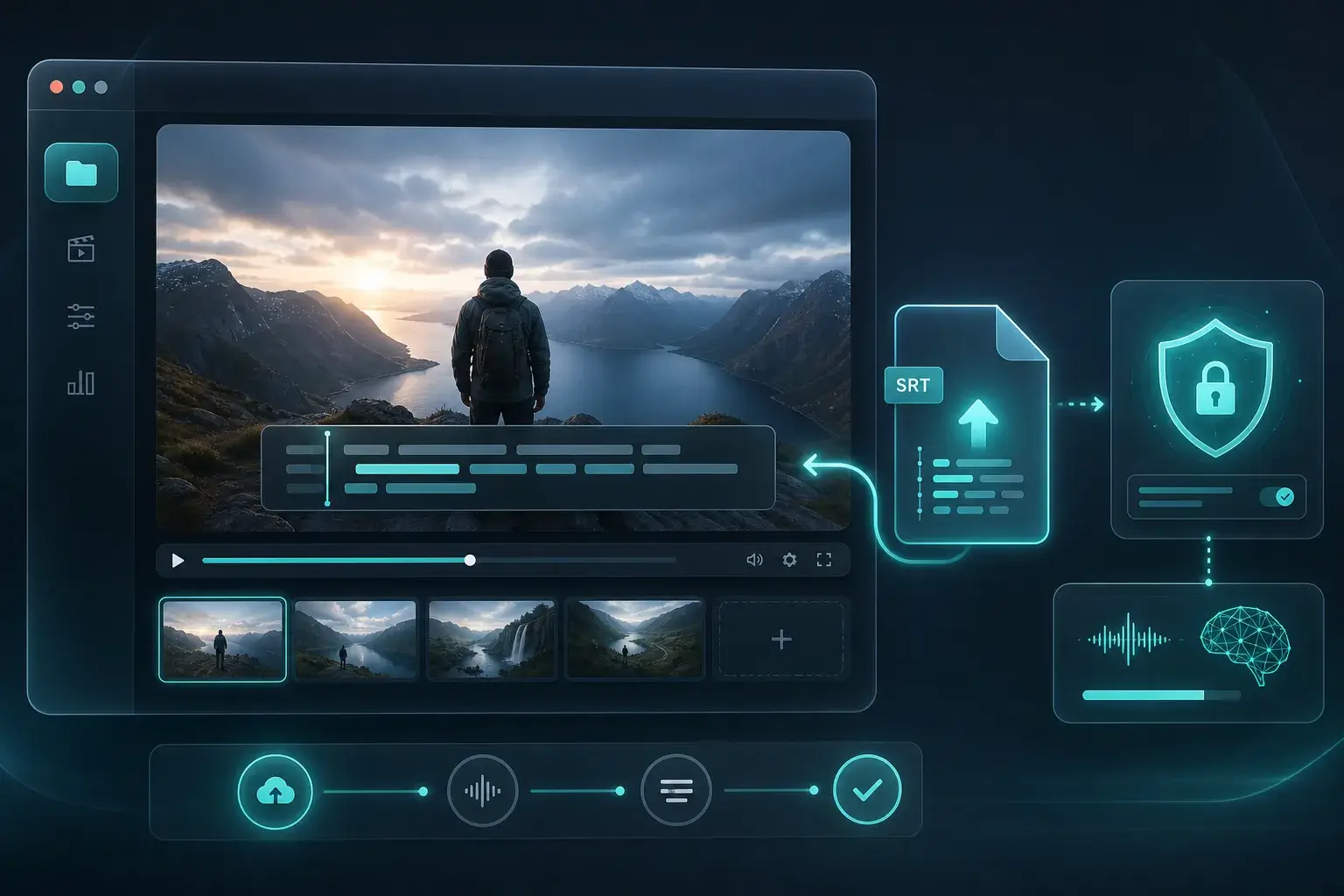
YouTube & Vimeo uploads
Create a first-pass SRT to upload as captions, then fine-tune timing in your platform or editor.
Upload a video and download an SRT subtitle file — free, private transcription with timestamps in your browser.
No subscription for this tool. Transcribe audio, voice, or URLs with OpenAI Whisper models running client-side.
Your audio is not uploaded to our servers for transcription. Processing stays on your device in a Web Worker.
Start immediately — no account, no API key. Ideal for one-off files, quick memos, or trying speech-to-text privately.
Three steps from audio to text — all local after the model loads.
Upload a file, record with your mic, or paste an audio URL — depending on which free tool you use.
Pick source language and a Whisper model size. Quantized models load faster on most devices.
Read the transcript on the page, copy to clipboard, or export TXT / JSON — your text, your workflow.
Create a first-pass SRT to upload as captions, then fine-tune timing in your platform or editor.
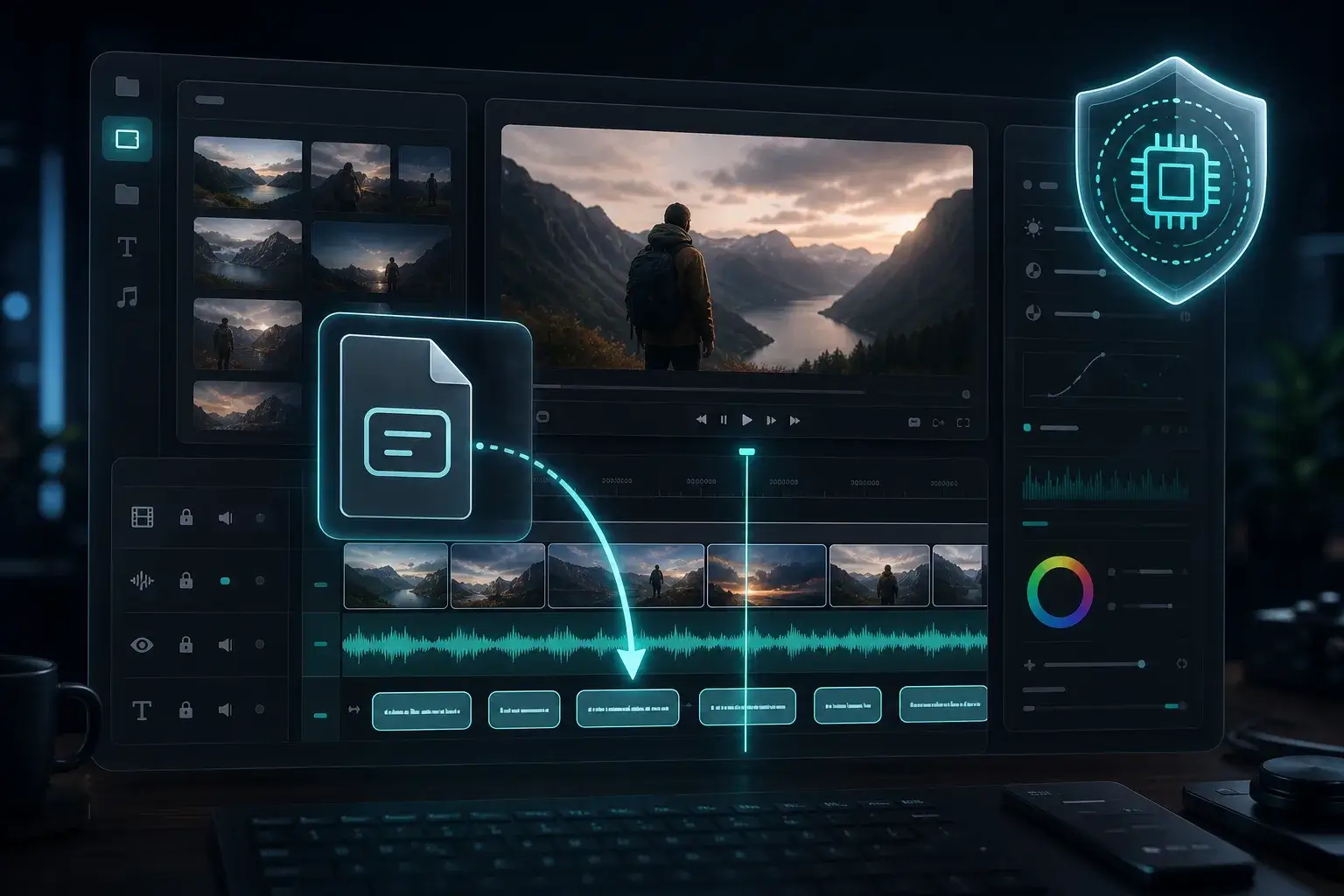
Import SRT into Premiere, DaVinci Resolve, or Final Cut as a starting caption track — generated on your machine.
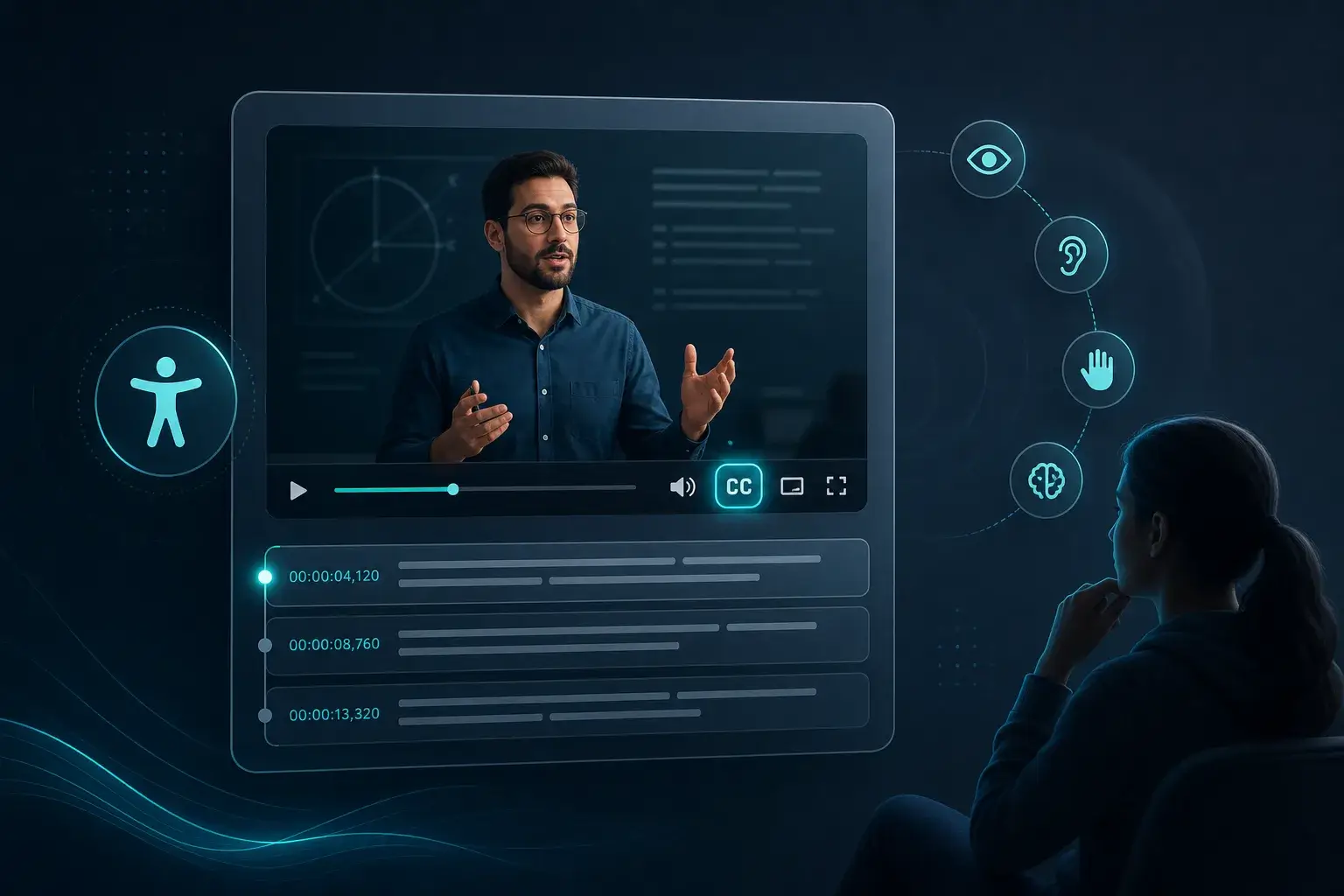
Add closed captions to training and lecture videos without sending raw footage to a cloud subtitle API.
Built for people who cannot send sensitive audio to the cloud.
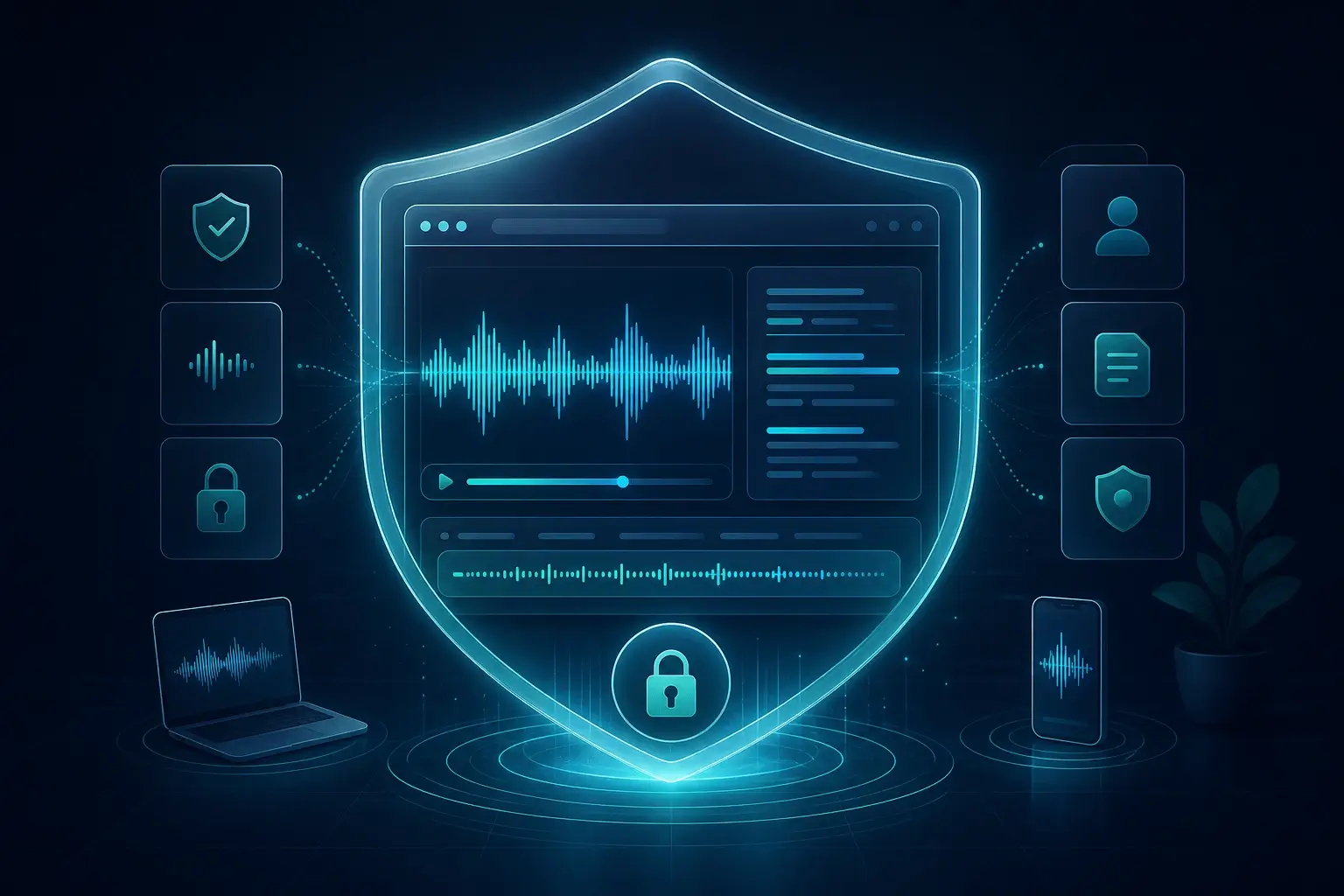
Common formats such as MP4, WebM, and MOV with an audio track work in supported browsers. Audio is decoded locally, then Whisper adds timestamps.
SRT is a standard subtitle format with numbered cues and time ranges. Download the .srt and upload it to YouTube, Vimeo, or your editor.
Accuracy depends on audio quality, language, and model size. Whisper produces a strong draft; review and adjust cues in your editor before publishing.
Yes. Transcribe and export SRT locally with no account required.
Yes. These pages are free to use with no paywall for local browser transcription. Optional paid plans apply to the Chrome extension and cloud features, not this on-page Whisper tool.
For these free tools, speech-to-text runs locally in your browser. We do not upload your audio to our servers for transcription. URL mode fetches the file from the link you paste; that request goes from your browser to the host.
Free, private audio to text in your browser — upload a file and transcribe locally with Whisper. No server upload.
Free voice to text with your microphone — private, in-browser transcription. No account required.
Free URL to text — paste an audio link, transcribe privately in your browser. No upload for transcription.
Turn live speech into text with your microphone — free, private, and local in your browser. No account or upload required.
Upload an MP3 and transcribe to text in your browser — free, private, and local with Whisper. No server upload.
Upload a video MP4 and get a text transcript in your browser — free, private, local Whisper transcription.
Convert M4A and Apple voice memo files to text in your browser — free, private, local transcription.
Transcribe uncompressed WAV audio to text in your browser — free, private, studio-grade local Whisper.
Upload exported voicemail audio and transcribe to text in your browser — free, private, no cloud upload.